

Measure growth or decline against the starting value
The percentage increase calculator compares a start value with a final value, then shows the delta, direction, formula, and percent change. It is scoped to before-and-after comparisons where the original value is the baseline.
Workflow
- Enter the starting value before the change.
- Enter the final value after the change.
- Review the percent result and the signed delta.
- Copy the result text when you need to reuse the comparison.
Best for
- Price increases, salary changes, growth rates, and KPI comparisons.
- Checking whether a change is an increase or decrease from the original value.
- Documenting before-and-after calculations with the formula visible.
Planning notes
- The starting value cannot be zero because there is no baseline for a percent change.
- A lower final value is reported as a decrease.
- Use the percent difference calculator when neither value should be treated as the baseline.
Related tools
These tools share a category, tags, or workflow with Percentage Increase Calculator.
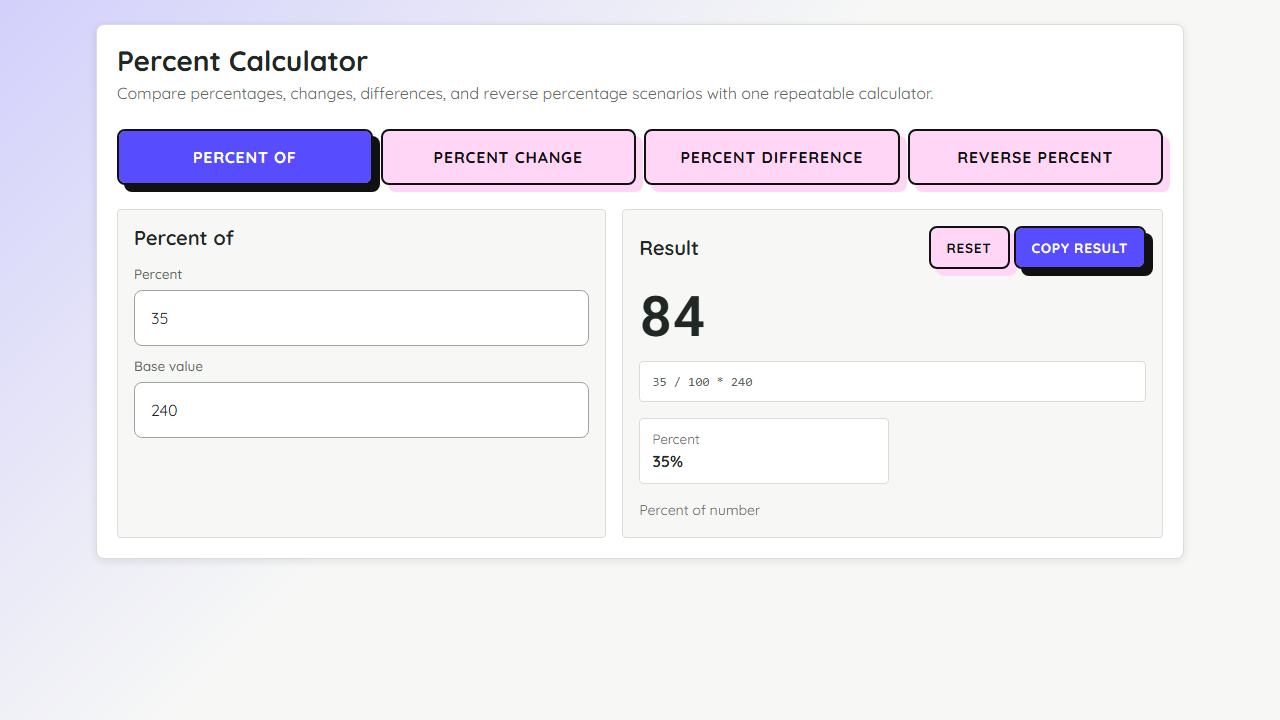 Percent Calculator
Percent Calculator
+MathCalculate percent of a number, percent change, percent difference, and reverse percentages.
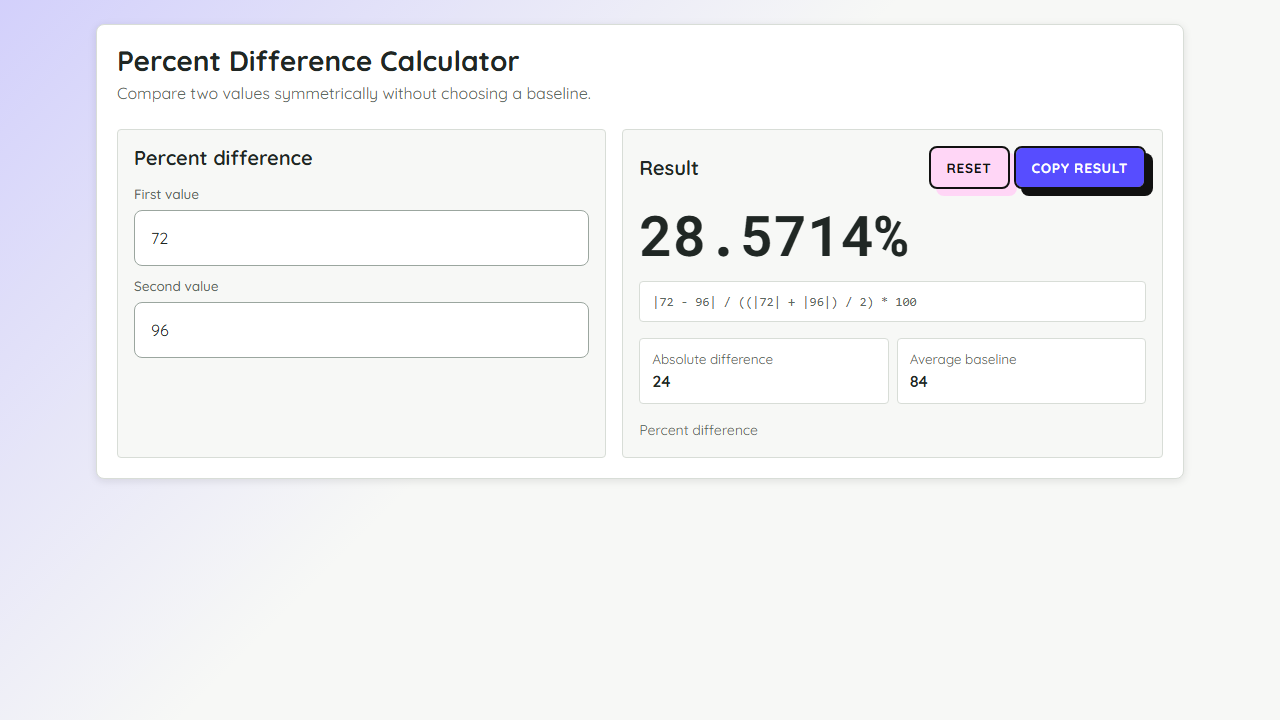 Percent Difference Calculator
Calculate the symmetric percent difference between two values with the formula shown.
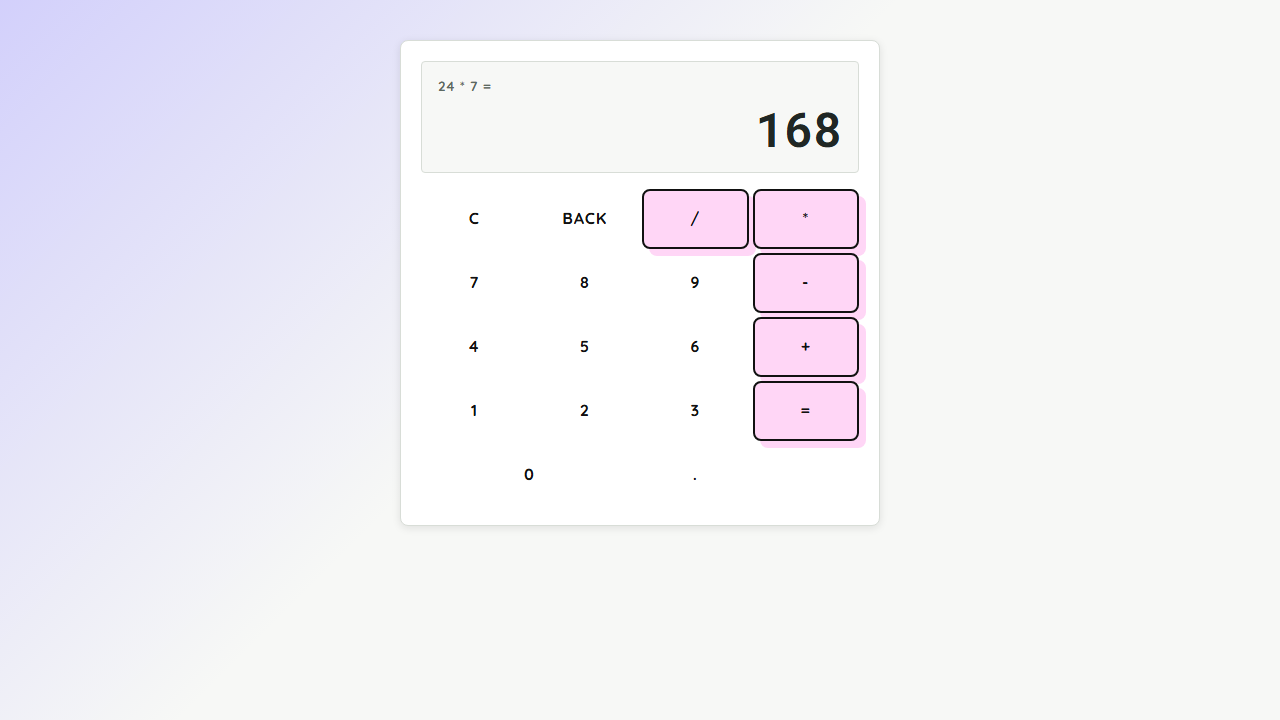 Calculator
Calculator
+MathA fast calculator for basic arithmetic with keyboard support.