
Does the calculator follow order of operations?
Yes. Use parentheses when a rate, discount, or grouped step should happen before the rest of the expression.
A keyboard-friendly scratch calculator for quick totals, percentages, ratios, per-unit costs, and order-of-operations checks while you work in the browser.
Use the calculator for checking an invoice line, splitting a total, estimating a markup, comparing unit prices, or confirming a chained expression before you paste the result somewhere else.
Loading tool...
These patterns cover the quick arithmetic people usually reach for before moving to a dedicated tool.
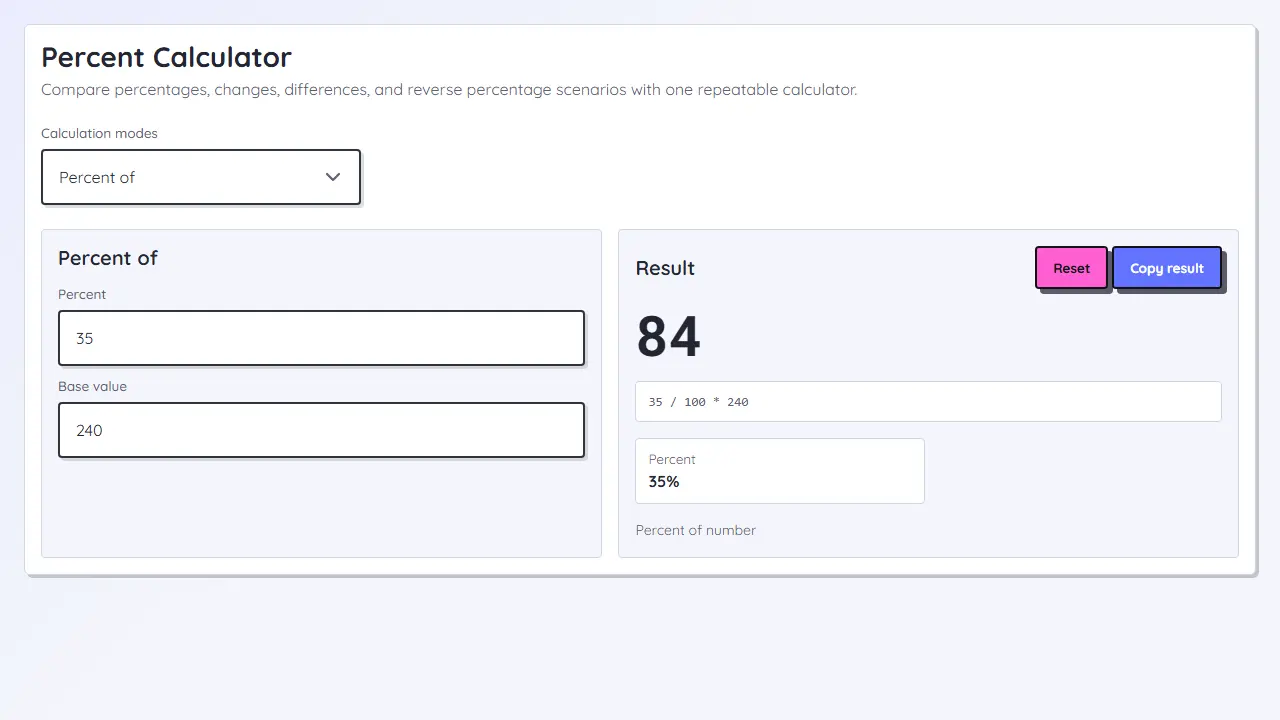
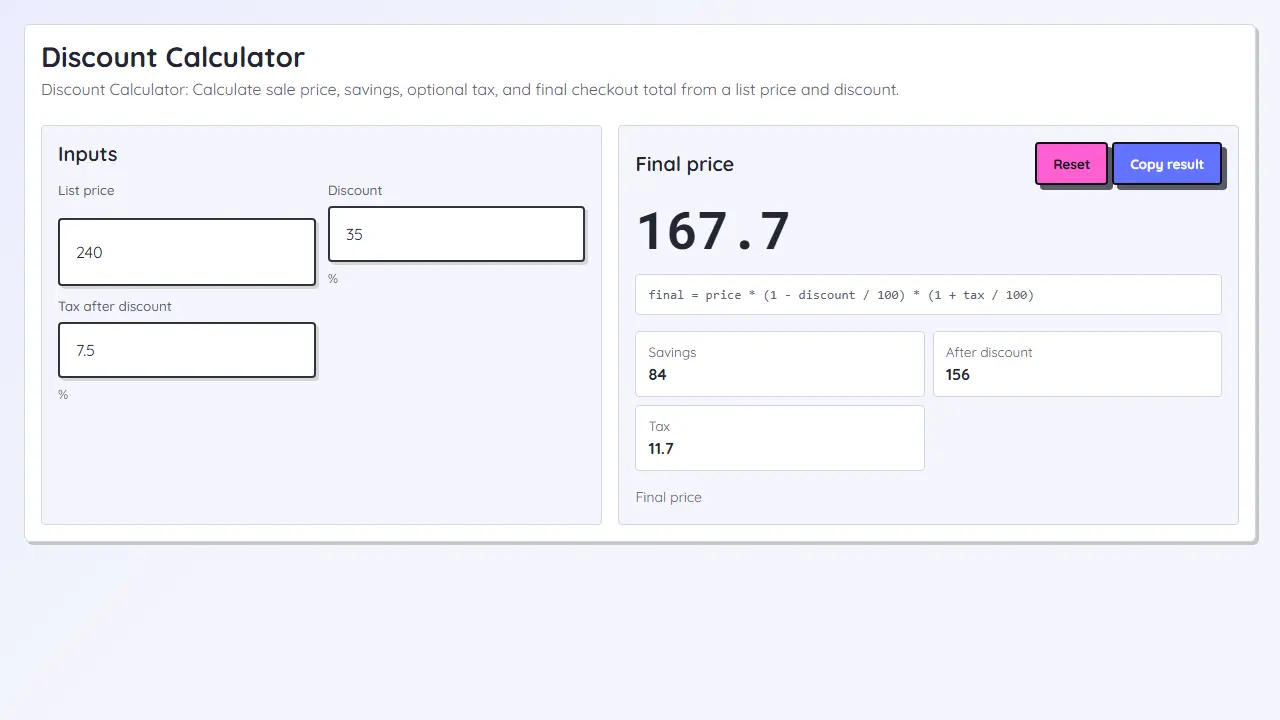
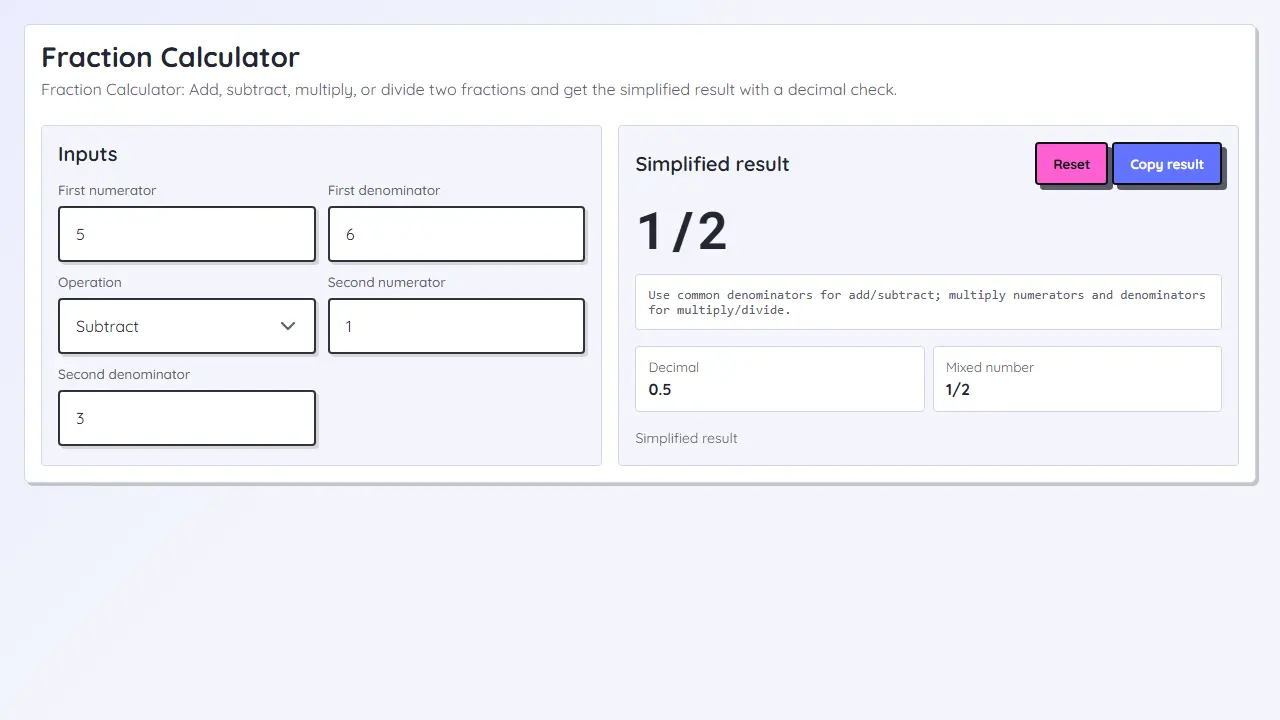
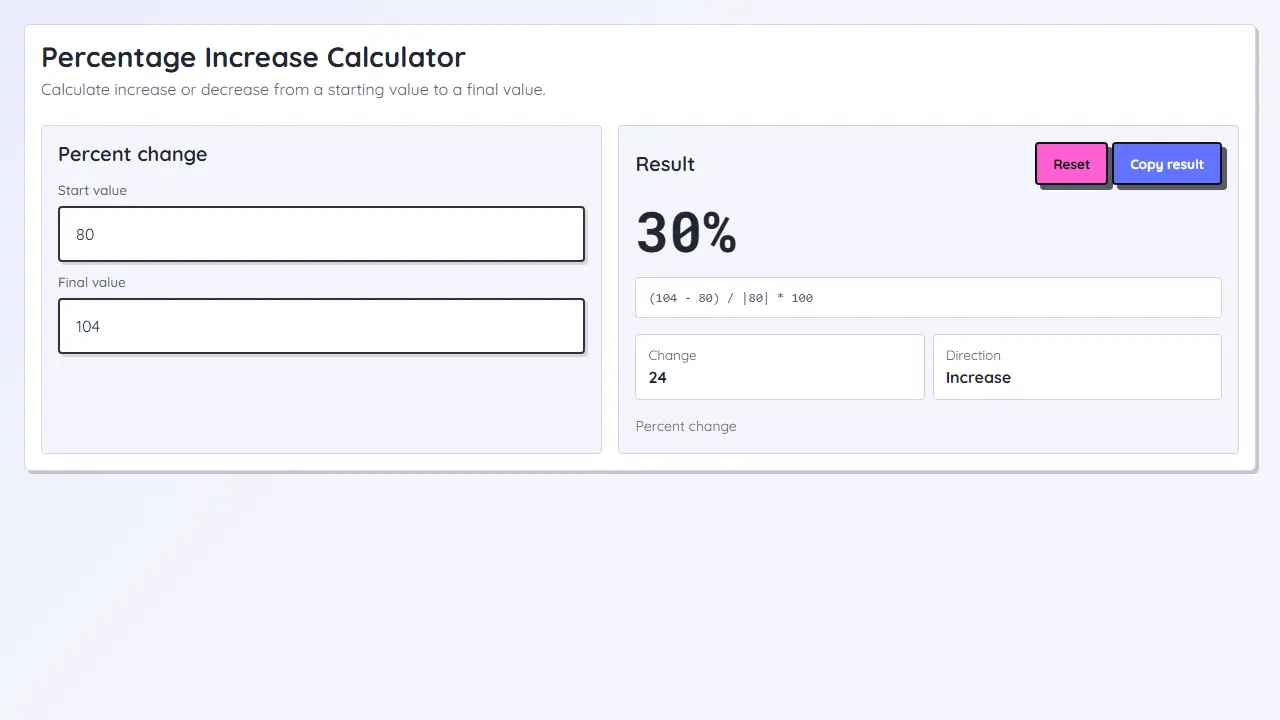
Use a dedicated calculator when the workflow needs labeled inputs or a reusable formula.
Yes. Use parentheses when a rate, discount, or grouped step should happen before the rest of the expression.
Use this calculator for quick arithmetic. Use a percentage-specific tool when you want labeled fields, fewer typing mistakes, or a reusable percent workflow.