
Is sales tax calculated before or after the discount?
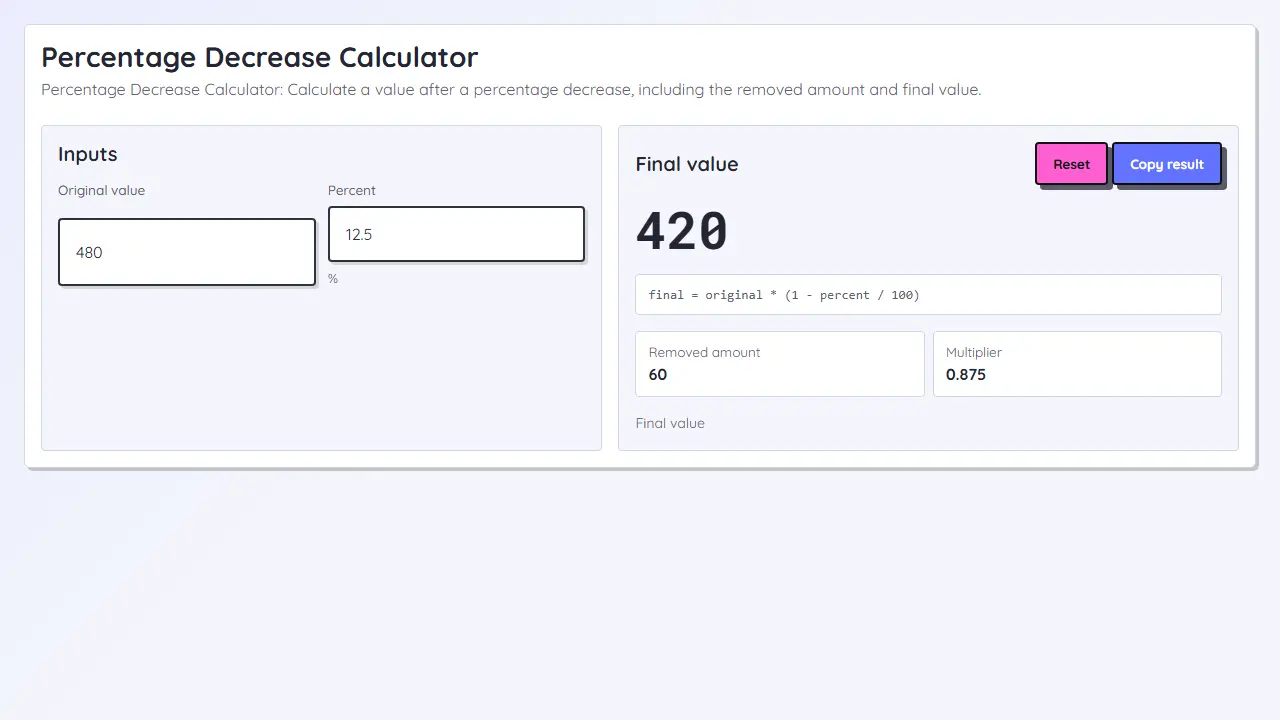
This page uses tax-after-discount: the markdown lowers the list price first, then tax is applied to the sale price.
Calculate the true sale price from a list price by applying the markdown first, then adding tax only to the discounted subtotal.
The discount reduces the list price first. Tax is then calculated from the discounted sale price, which keeps shopper-facing savings separate from the final checkout total.
Loading tool...
Separate each stage so savings and tax do not get mixed together.
This page uses tax-after-discount: the markdown lowers the list price first, then tax is applied to the sale price.
No. Savings measure how much the markdown removed from the list price. Tax changes the checkout total, not the discount amount.