
Is a 25% decrease the same as keeping 25%?
No. A 25% decrease removes 25% of the original and leaves 75%. The remaining multiplier is 1 - 25/100 = 0.75.
Calculate the final value after a percentage decrease by separating the original baseline, the amount removed, and the remaining value.
A percentage decrease is measured from the original value. A 30% markdown removes 30% of the starting price and leaves 70%, so the remaining multiplier is the part that matters.
Loading tool...
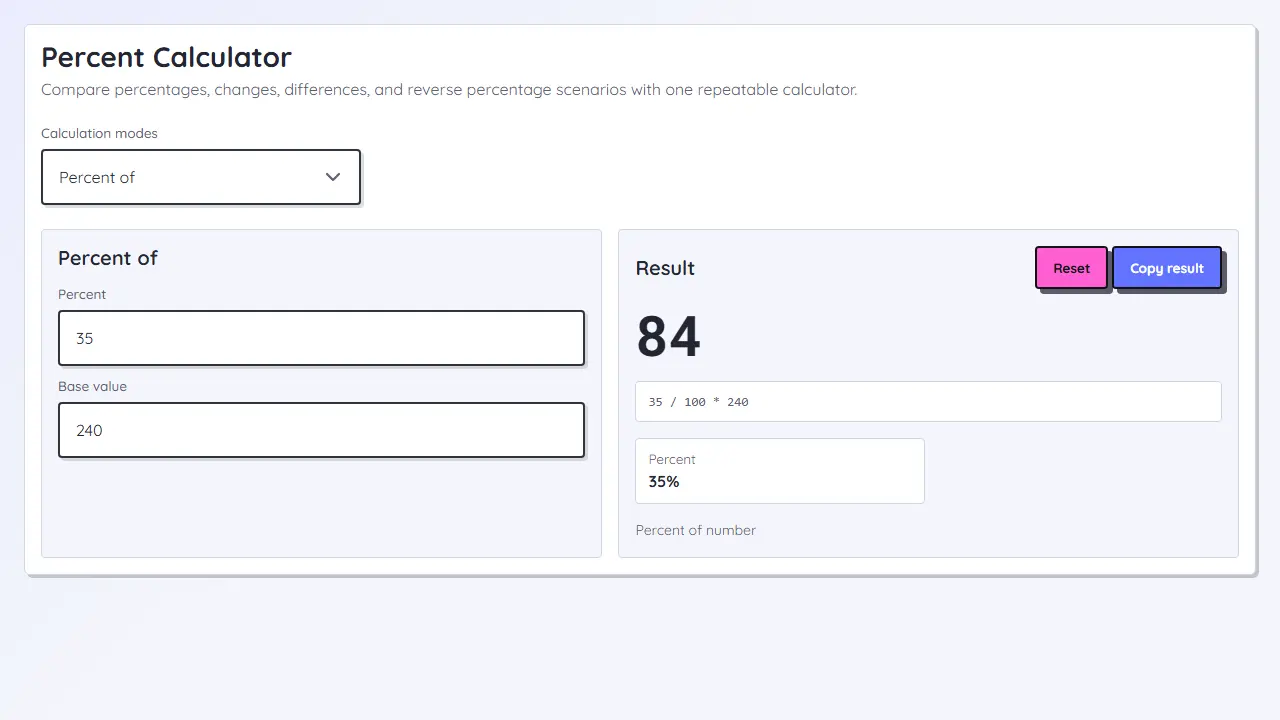
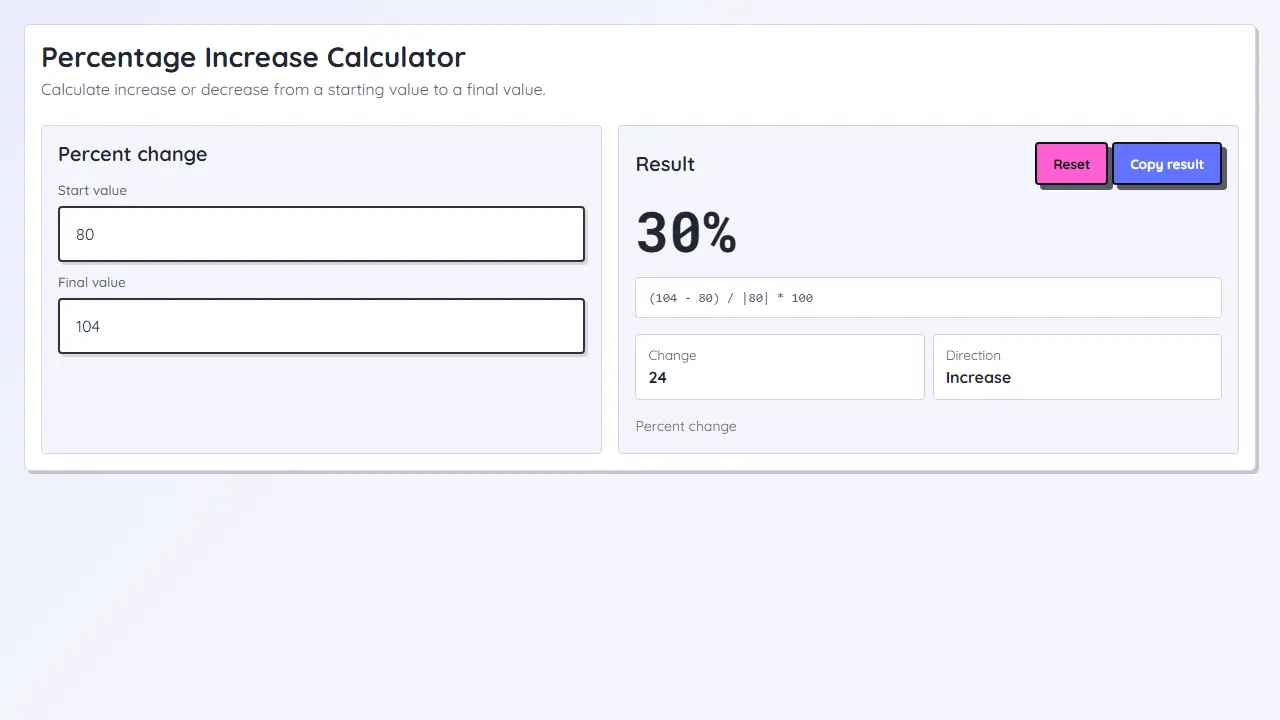
The calculator shows both the removed amount and the value that remains.
No. A 25% decrease removes 25% of the original and leaves 75%. The remaining multiplier is 1 - 25/100 = 0.75.
The decrease percent is defined from the starting amount. The removed amount changes when the original price, quantity, or asset value changes.