

Crop profit
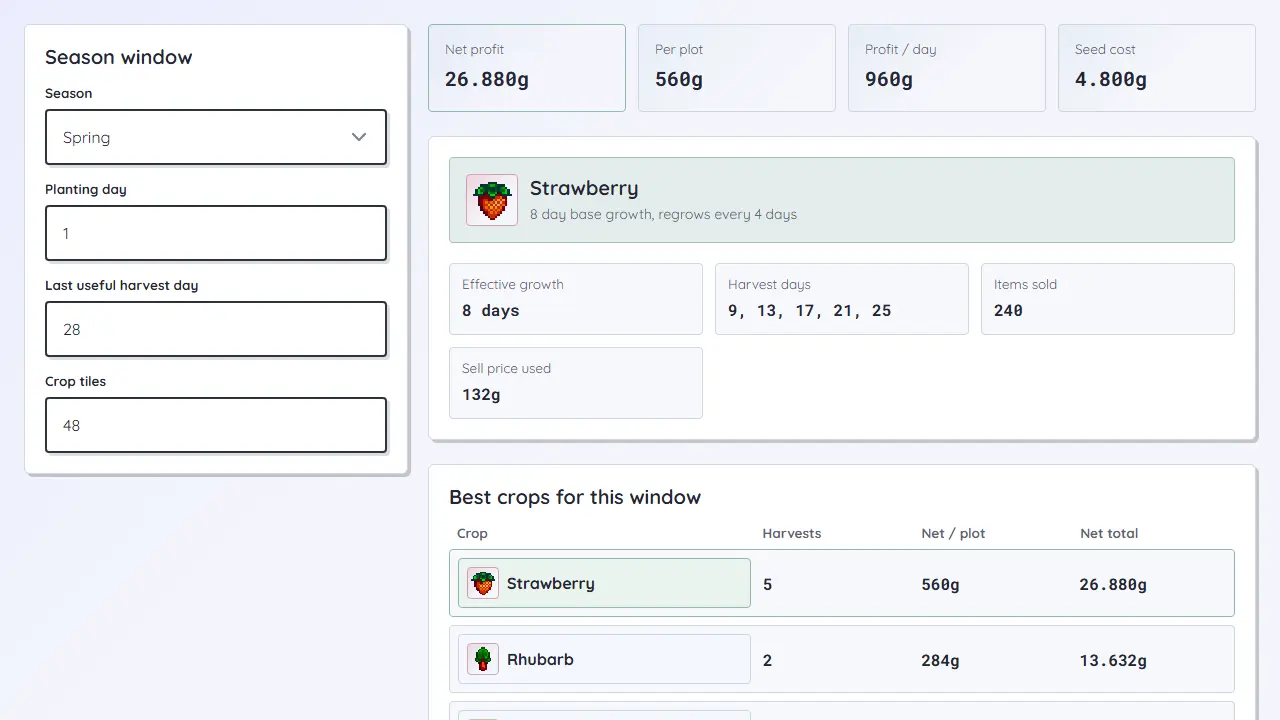
Compare seed cost, harvest days, replanting, Speed-Gro, Tiller, Agriculturist, and expected profit for the same season window.
Open crop calculatorPlan the season before you spend the day: compare crops, keep bundle deadlines visible, and pick gifts that move hearts efficiently.
Choose a planner
Each planner focuses on a different pressure point in a Stardew run: money, bundle routing, and friendship.
Compare seed cost, harvest days, replanting, Speed-Gro, Tiller, Agriculturist, and expected profit for the same season window.
Open crop calculator
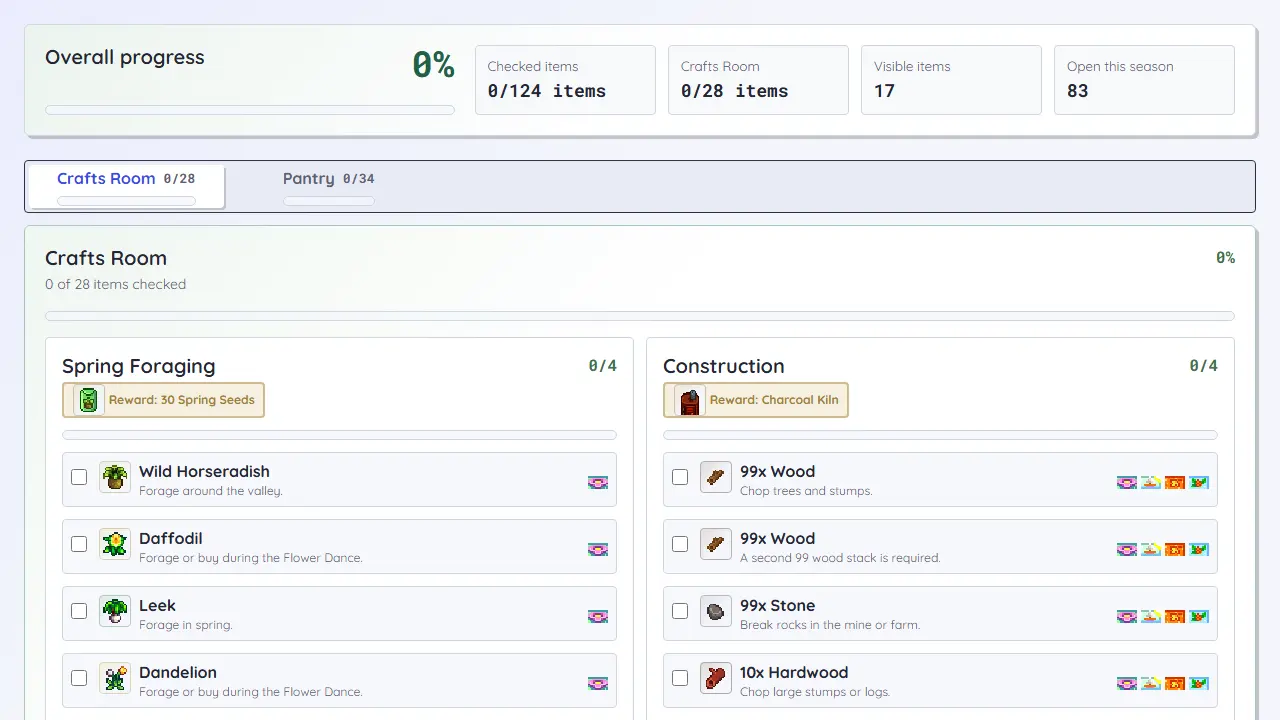
Track rooms, bundles, seasonal items, item hints, and local progress so spring fish or fall crops do not slip past unnoticed.
Open checklist
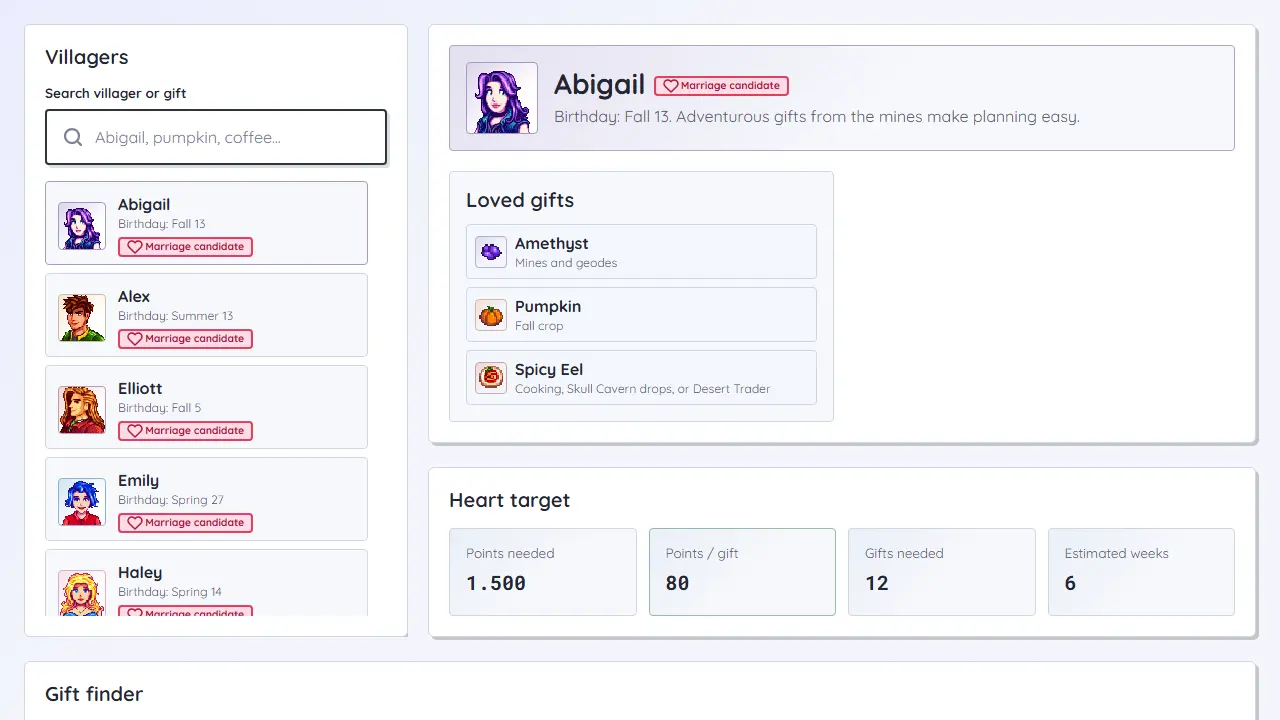
Search villagers and gifts, review birthdays, choose loved or liked gift quality, and estimate the weeks needed for a heart target.
Open gift plannerUse the crop calculator when money is the constraint. Use the checklist when season deadlines or bundle rewards are the constraint. Use the gift planner when birthdays, hearts, and repeatable gifts are the constraint.
The crop tool uses average deterministic values for extra yield and practical seed-price assumptions. Treat it as a planning model, then adjust for your save, seed source, and processing strategy.
Yes. The Community Center checklist saves checked items in local browser storage, so it is useful across multiple visits on the same device.