
What happens when I add one month to January 31?
With clamp mode, the result becomes the last valid day of February. With roll mode, the overflow carries into the following month.
Add or subtract calendar time and business days from a start date with clear month-end behavior.
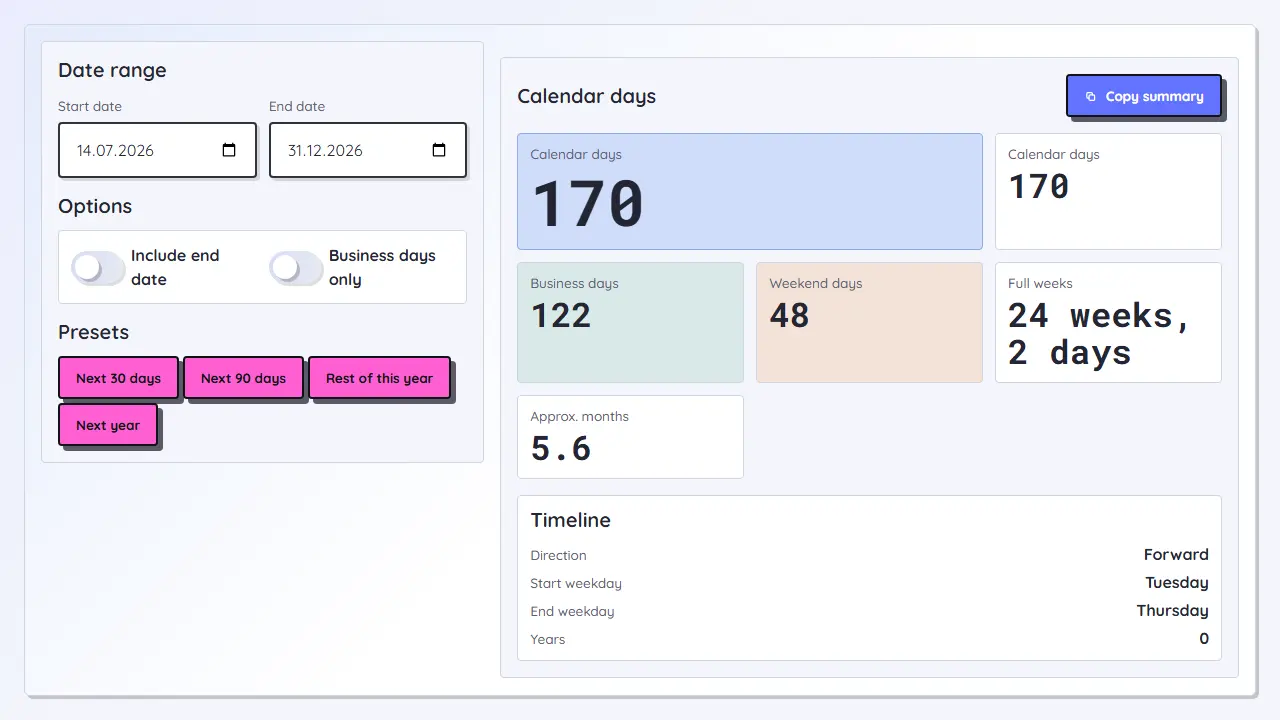
The Date Calculator adds or subtracts years, months, weeks, days, and business days from a start date. It shows the result date, weekday, day of year, ISO week, quarter, and how many calendar or business days moved.
Month-end handling is explicit: clamp to the last valid day of the target month, or roll overflow into the next month.
Loading tool...
Use date addition for invoice terms, renewal reminders, trial periods, follow-ups, project milestones, compliance reviews, warranty periods, and recurring schedules. When a result affects legal or contractual deadlines, verify the governing rule and holiday calendar.
With clamp mode, the result becomes the last valid day of February. With roll mode, the overflow carries into the following month.
No. Business days skip Saturdays and Sundays only. Add local holidays manually if your workflow requires them.
It shows the next six dates if you apply the same date calculation repeatedly, which is useful for recurring reminders and schedules.