
How does the converter handle the source time zone?
The converter treats the entered wall-clock time as belonging to the source time zone, then converts that instant into the target time zone.
Convert a date and time from one time zone to another with UTC, offset, day-shift, and comparison details.
The Time Zone Converter helps schedule meetings, inspect logs, coordinate launches, and compare deadlines across regions. Enter a date and time, choose the source time zone, then choose the target time zone.
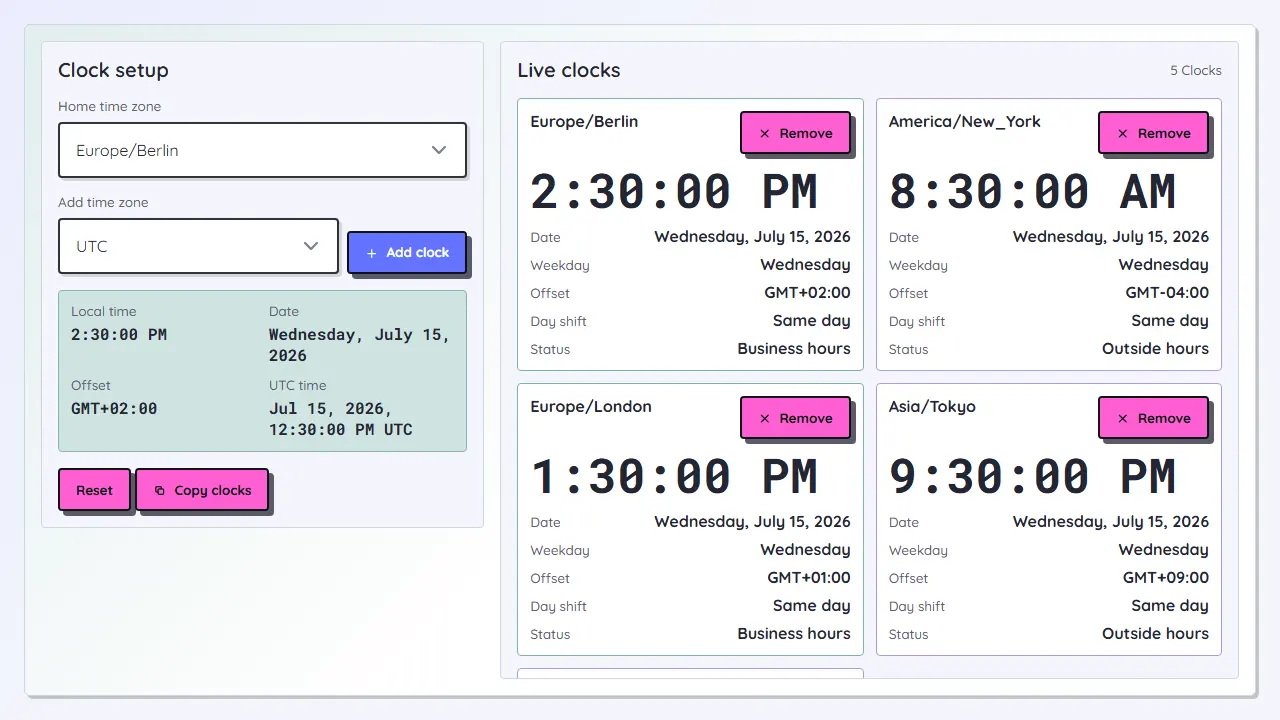
The result shows the converted time, target date, UTC instant, GMT offset difference, weekday, and whether the date moves to the previous or next day.
Loading tool...
Time zone conversion is most useful when the original time belongs to a specific city or region. Use IANA zones such as Europe/Berlin or America/New_York instead of fixed offsets when daylight-saving changes matter.
The converter treats the entered wall-clock time as belonging to the source time zone, then converts that instant into the target time zone.
Daylight-saving changes are handled by the browser's IANA time zone data. If a wall-clock time falls inside a transition gap, the tool shows a notice.
Use the comparison table to check the same instant in common meeting zones before sending an invite.