
Minecraft Pixel Art Generator
Convert images into Minecraft block pixel art with palette controls, previews, and exports.
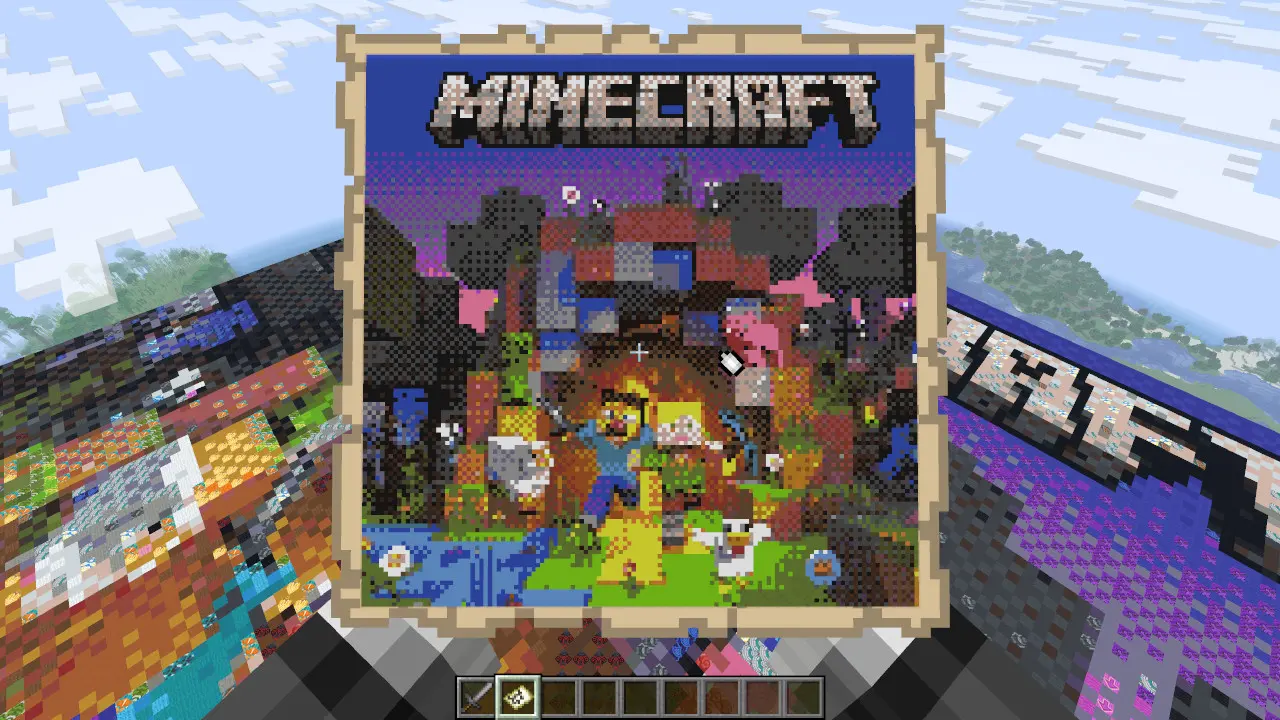
Turn an image into buildable Minecraft pixel art
Upload an image, choose a target block size, select the Minecraft materials you want to build with, then generate a block plan with preview, color mapping, and export files.
Workflow
- Load a PNG, JPG, WebP, or GIF image.
- Set the target width and height, rotation, fit mode, transparency, and origin.
- Choose a realistic block palette and adjust individual color mappings where needed.
- Export JSON, MCFunction, datapack, or Litematica once the preview looks buildable.
Loading tool...