
Minecraft Shape Generator
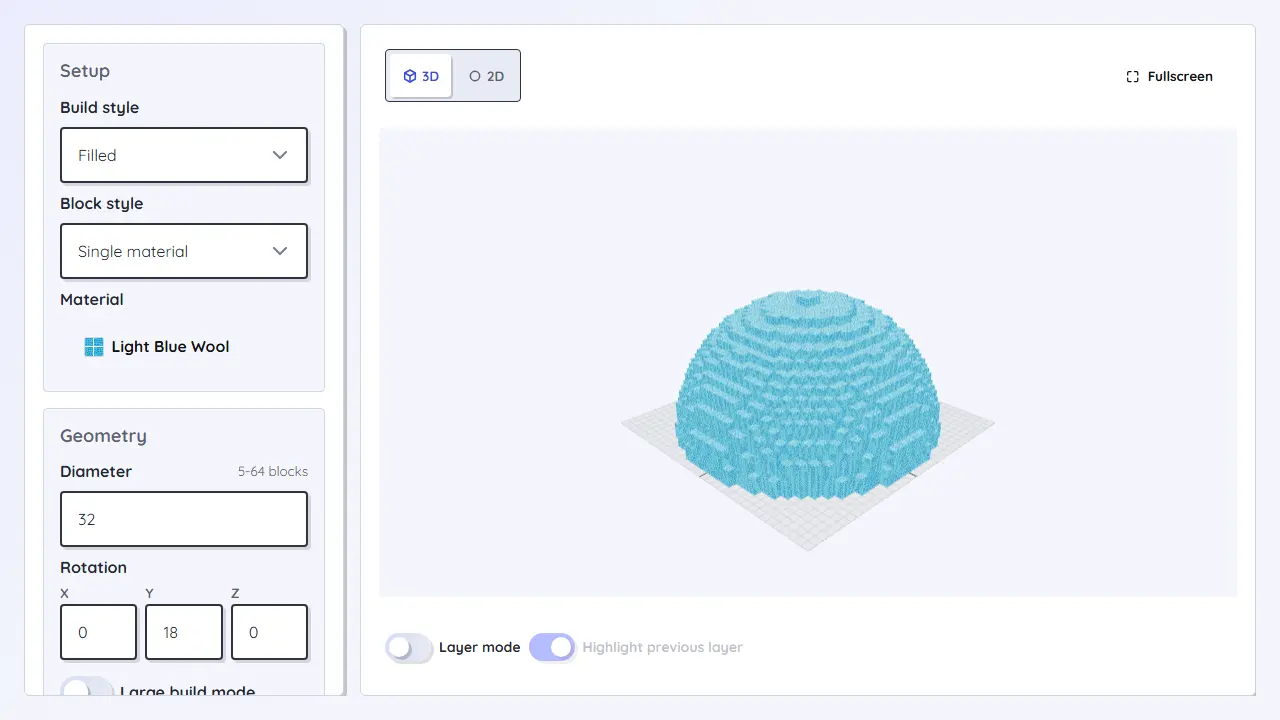
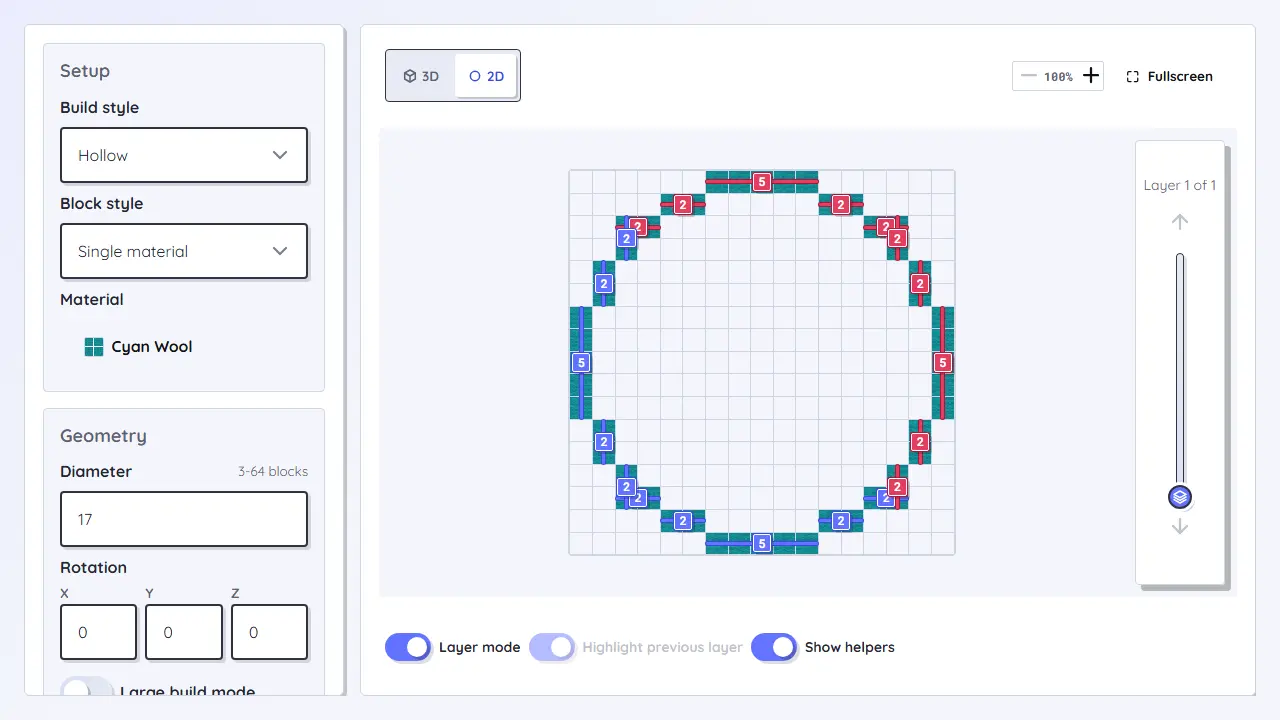
Generate Minecraft circles, spheres, domes, pyramids, cones, cylinders, ellipsoids, and torus blueprints with layers, block counts, and 3D previews.
Choose a Minecraft shape generator for your build
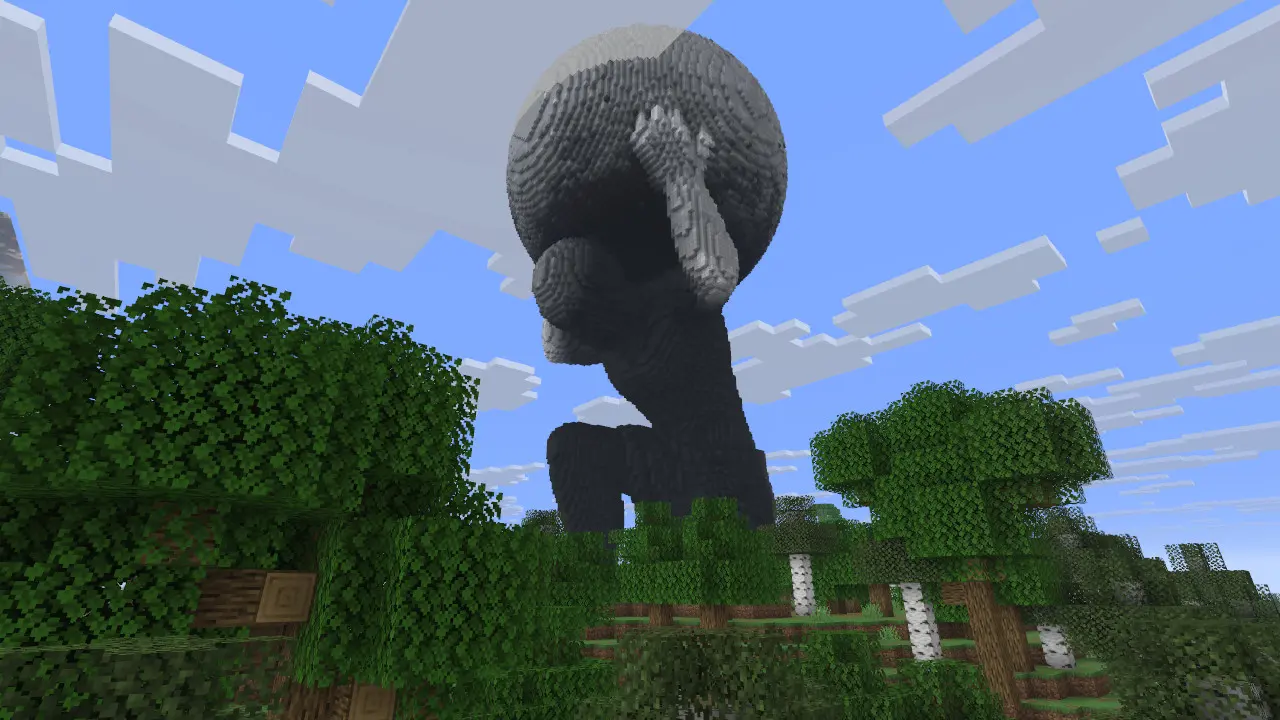
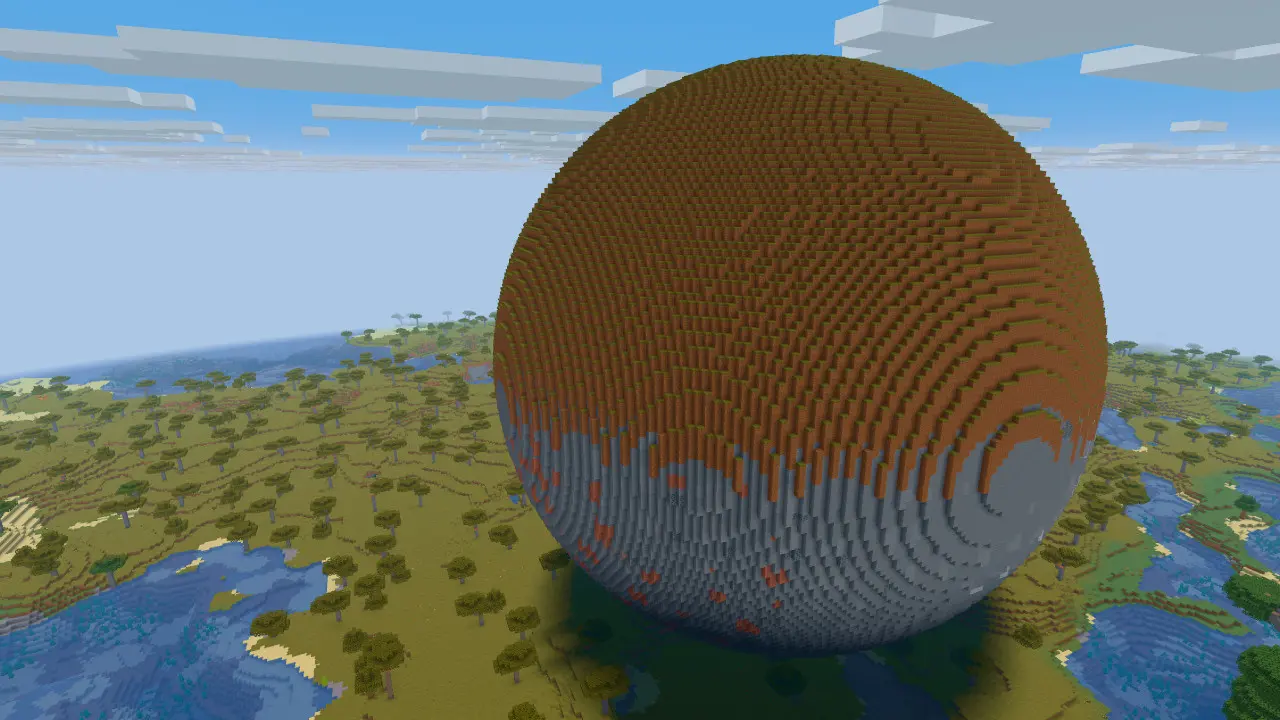
The Minecraft Shape Generator helps you pick the right block blueprint before you start building. Use the circle generator for flat footprints, sphere or dome tools for rounded builds, pyramid, cone, and cylinder tools for roofs and towers, ellipsoid and torus tools for stretched shapes and rings, or the 3D model converter for imported files.
Each specialized generator focuses on layer-by-layer Minecraft plans, block counts, and preview checks so you can compare Java or Bedrock builds without guessing curves by eye.
Workflow
- Choose the shape that controls the build: circle, sphere, dome, pyramid, cone, cylinder, ellipsoid, torus, or imported model.
- Open the specialized Minecraft shape generator for layer plans, block counts, and preview controls.
- Start with a small test size to check symmetry, center alignment, and material demand.
- Switch tools when a flat circle becomes a tower, roof, ring, organic shape, or converted model.
Loading tool...
Best for
- Finding the right Minecraft shape generator for circles, spheres, domes, pyramids, cones, cylinders, ellipsoids, and torus rings.
- Builds that combine several blueprints, such as a tower with a dome or a portal with a torus.
- Builders who need layer instructions instead of screenshots or guesswork.
Planning notes
- Odd and even sizes change center alignment and symmetry; test the footprint early.
- Each generator uses different dimensions, so transfer values deliberately when switching tools.
- For organic or external shapes, the 3D model converter is often better than a pure geometry generator.