
Minecraft Circle Generator
Create pixel circle charts, outlines, filled disks, and row-by-row Minecraft circle templates.
Lay out clean circles before placing blocks
The Minecraft Circle Generator is for flat footprints: towers, portals, arenas, wells, roads, and round floors. Instead of guessing a curve, you get a block-accurate grid with an outline or filled disk, row lengths, and a material count.
Workflow
- Choose the diameter and decide between an outline or filled disk.
- Check the row lengths before copying the footprint into your world.
- Use the block count to plan materials for floors, rings, or walls.
- Compare an odd and even size when the center, doorway, or axis needs to line up.
Loading tool...
Best for
- Tower footprints, round rooms, portals, wells, arenas, and decorative rings.
- Comparing odd and even diameters before committing to a centered build.
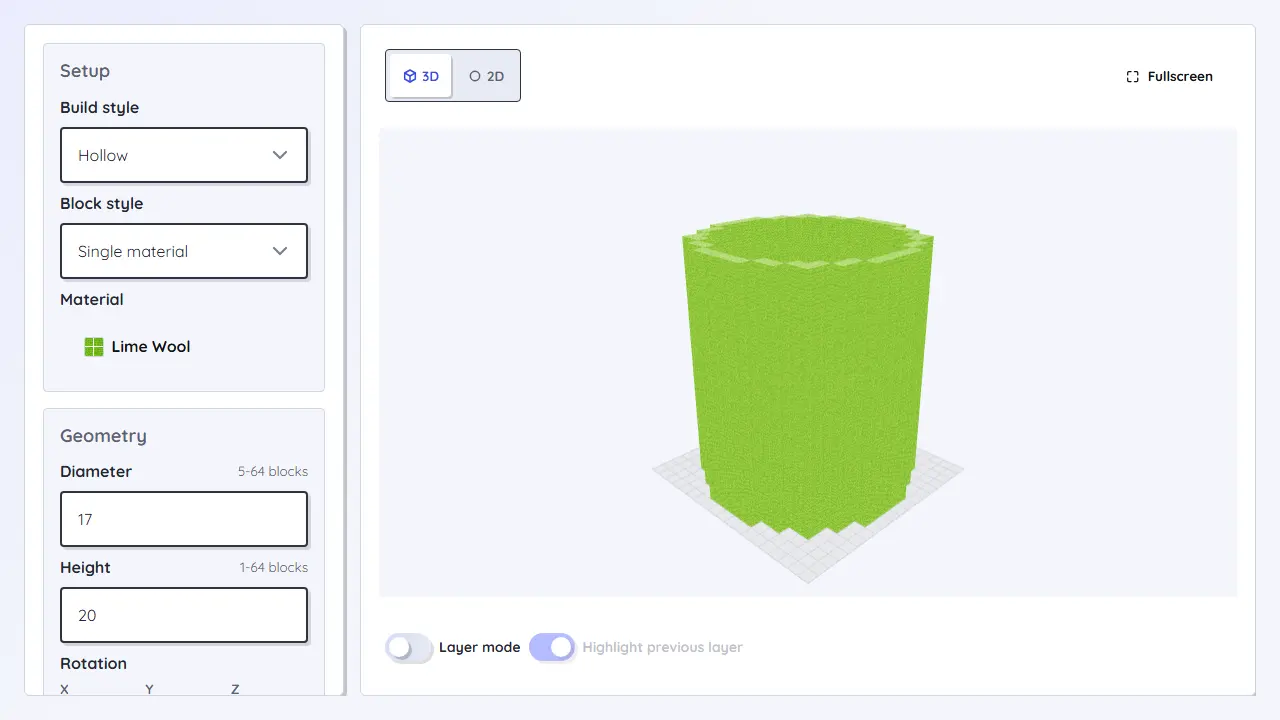
- 2D patterns that later become the base for cylinders, domes, or spheres.
Planning notes
- Odd diameters give one center block; even diameters give a center line.
- Filled disks work well for floors, while outlines are better for walls, rings, and markers.
- For tall round builds, move from the footprint to the cylinder or dome generator.