
Minecraft Pyramid Generator
Generate Minecraft pyramid layers for temples, roofs, monuments, and survival builds.
Stack pyramid layers without recalculating each tier
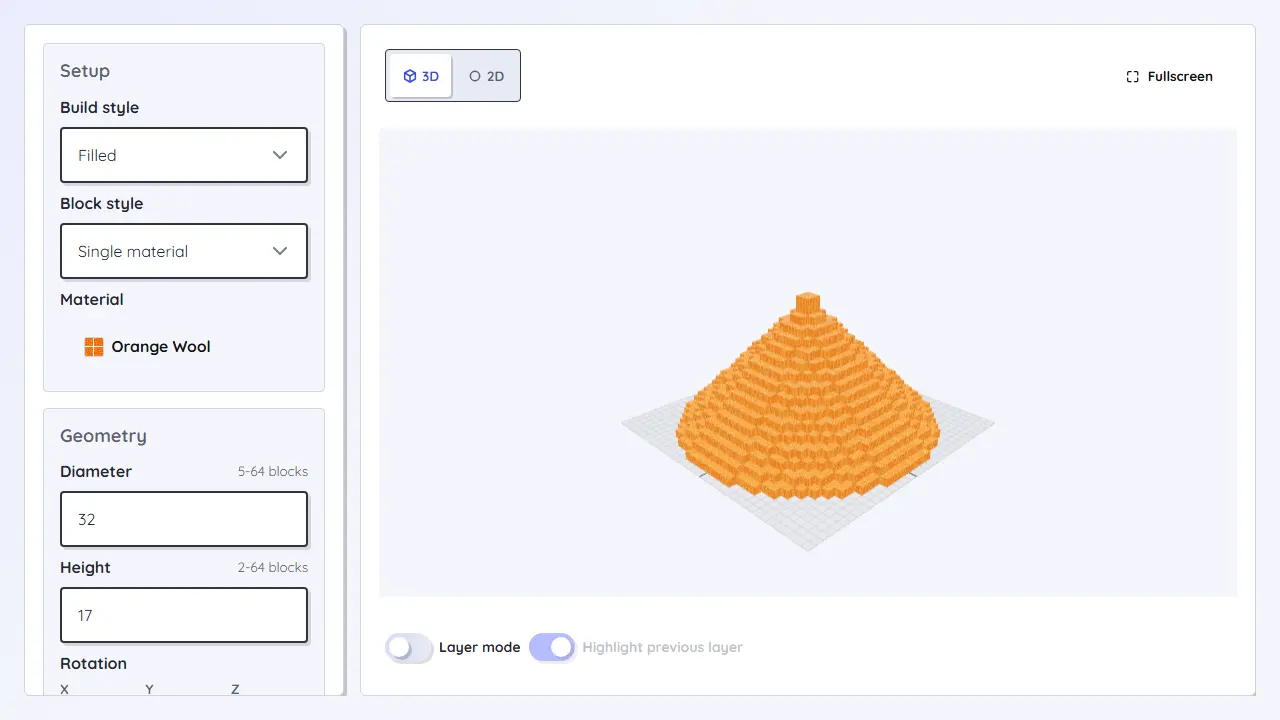
The Minecraft Pyramid Generator is for temples, monuments, roofs, stepped bases, and large survival builds. It turns base size and height into a clear layer plan, keeping each tier centered and the material count visible before construction.
Workflow
- Choose the base size and height for the available build area.
- Check the width of each tier before starting the next layer.
- Use block counts to plan exterior material, fill, and decoration separately.
- Adjust height or slope if the top becomes too small for a room, altar, or cap.
Loading tool...
Best for
- Desert temples, stepped monuments, pyramid roofs, shrines, and megabase forms.
- Builds where centered layers matter more than a smooth curve.
- Material planning for large stepped structures before farming resources or clearing land.
Planning notes
- Steeper pyramids need fewer layers but can feel cramped near the top.
- Even base sizes often create a double center axis; check doorway alignment.
- If the footprint should be round, use the cone generator instead of the pyramid generator.