
Minecraft Sphere Generator
Generate hollow or filled Minecraft sphere layers with a 3D block preview.
Build sphere layers with fewer symmetry mistakes
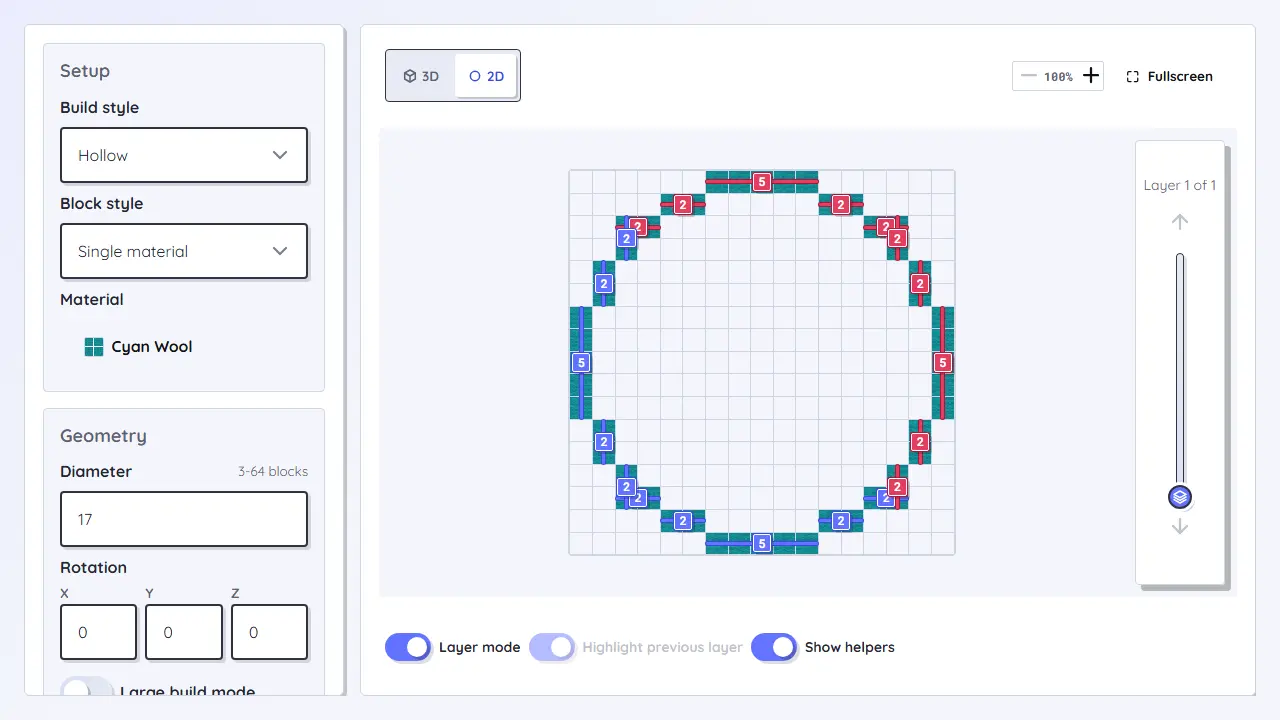
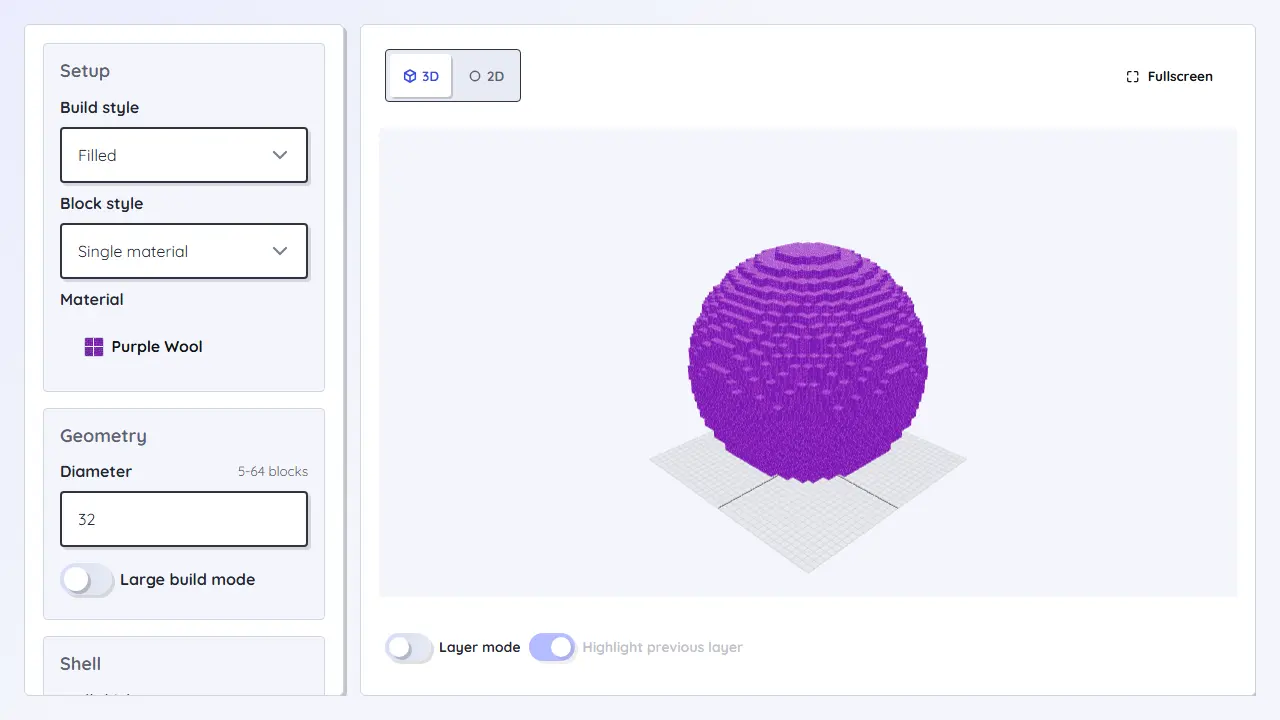
The Minecraft Sphere Generator is for planets, globes, balloons, and rounded shells. The layer view shows the exact circle for each height, while the 3D preview helps you judge hollow and filled versions before collecting materials.
Workflow
- Choose the diameter and decide between a hollow shell or filled sphere.
- Use the layer slider to build from bottom to top instead of guessing the curve.
- Check the block count and ring shape for each level before starting the next height.
- Use helper views when you need to compare the current layer with the previous one.
Loading tool...
Best for
- Planets, globes, balloons, round decorations, and complete spherical shells.
- Survival builds where each height needs a separate copyable layer.
- Comparing hollow and filled versions before planning materials.
Planning notes
- Small spheres look blocky quickly; a larger diameter improves the silhouette a lot.
- Hollow shells save materials but need planned openings for access and lighting.
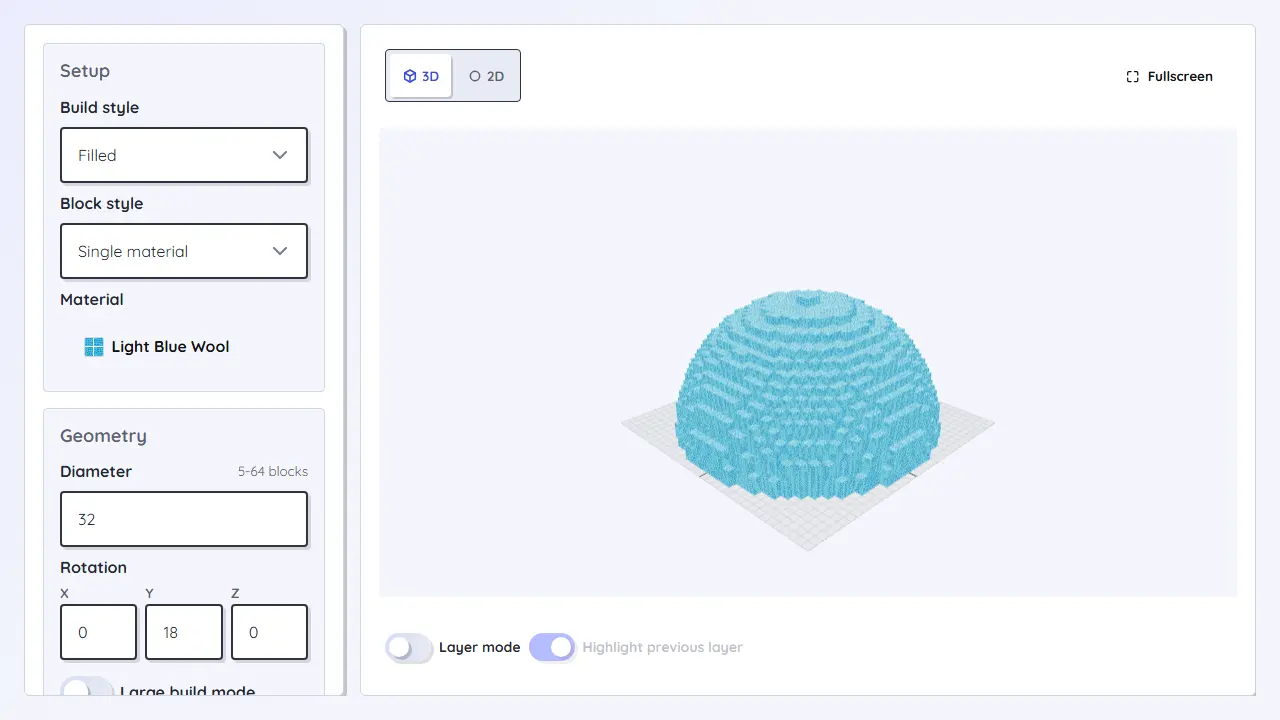
- When you only need the upper half, the dome generator is usually a better fit.